

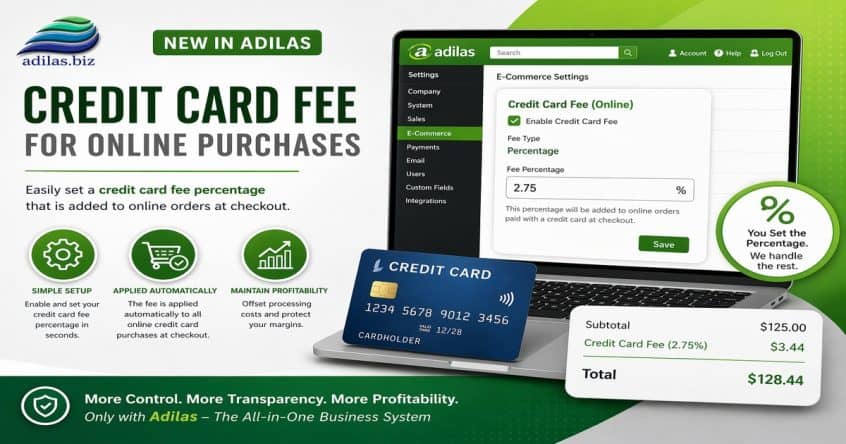
If you accept online payments from your customers, you can now automatically add a fee to their invoice.
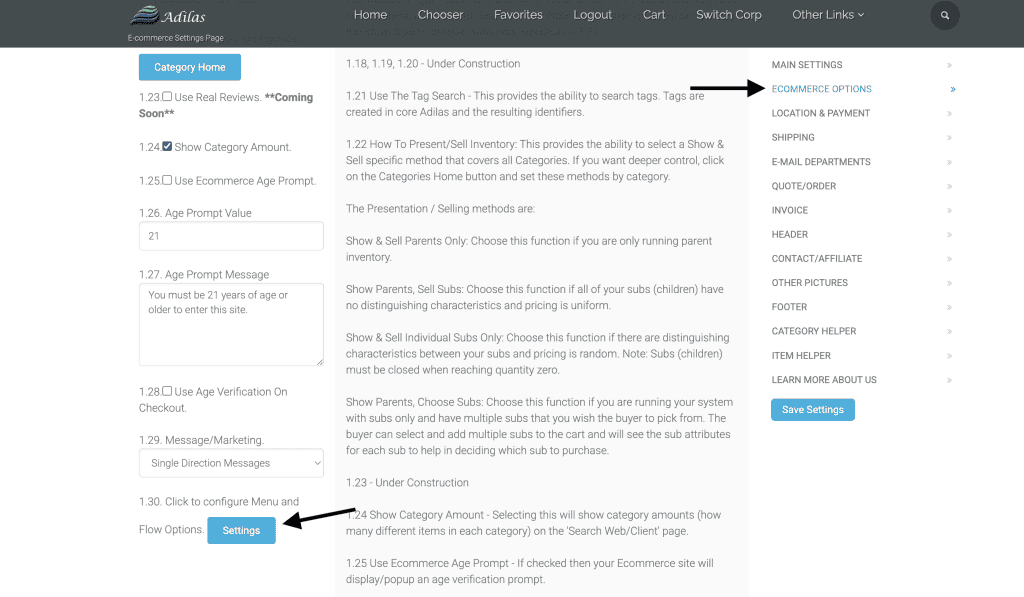
From the e-commerce settings, scroll down to section 1.30 under Ecommerce options. Click on the ‘settings’ link next to Flow Options.
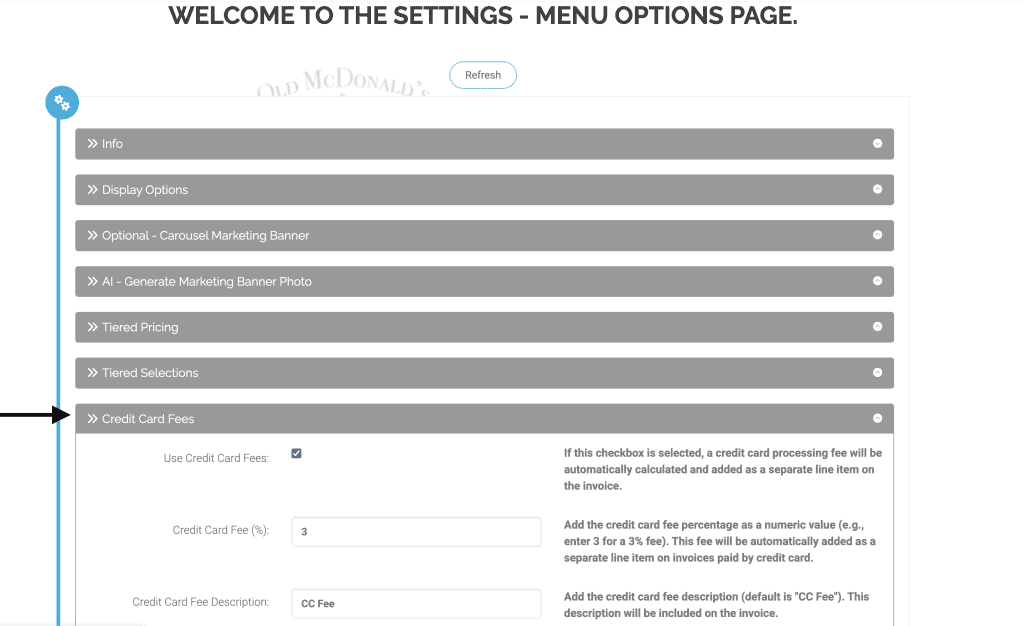
Click on the section for credit card fees. Check the box to enable the setting, choose your percentage amount, and keep the cc fees as the description name (or you can change the name if you’d like). Click Submit.
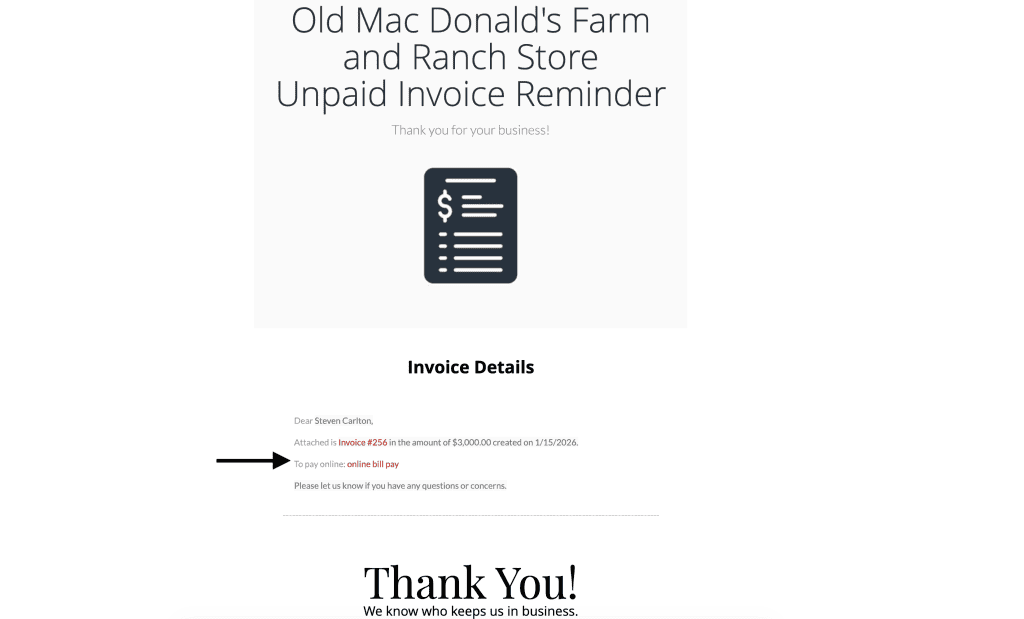
E-mail an invoice to your customer with the link to pay their invoice online.
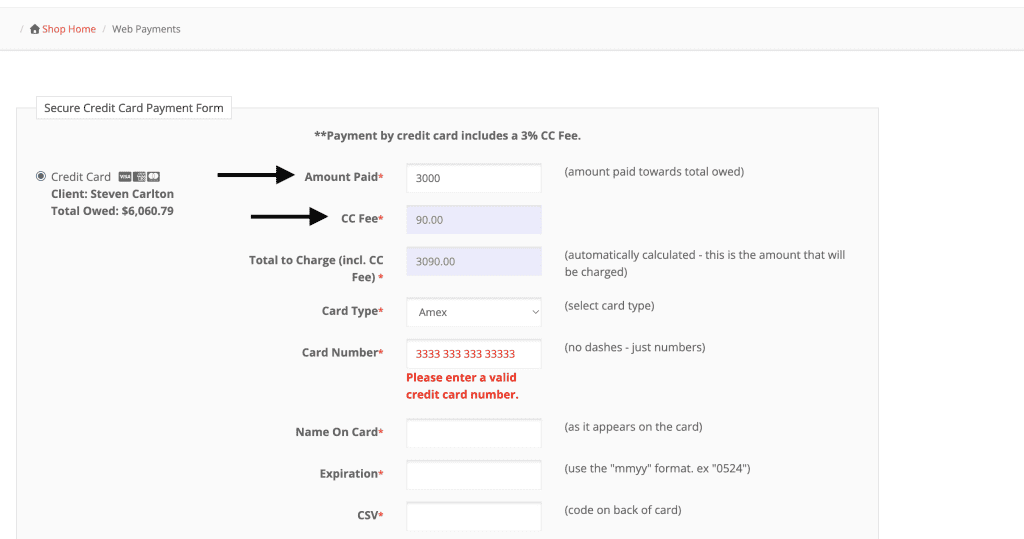
When they click on the link, they will enter the amount of the invoice, and it will automatically add the credit fee you set. In this example, the fee is 3%.
As always, please feel free to reach out to Technical Support at 720-740-3076 or email support@adilas.biz if you have any questions, concerns, or suggestions.