
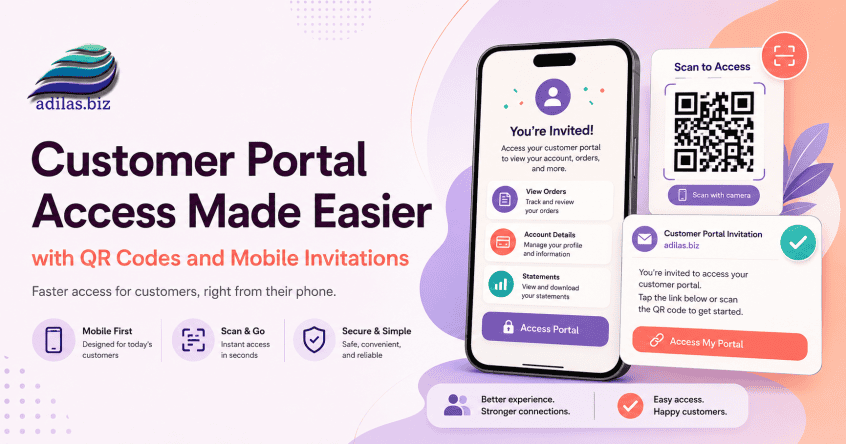
At adilas, we’re always looking for ways to strengthen the connection between businesses and their customers. We’re excited to announce two new enhancements that make it easier than ever for customers to access their information, stay connected, and engage with your business online.
Introducing the Customer Portal QR Code
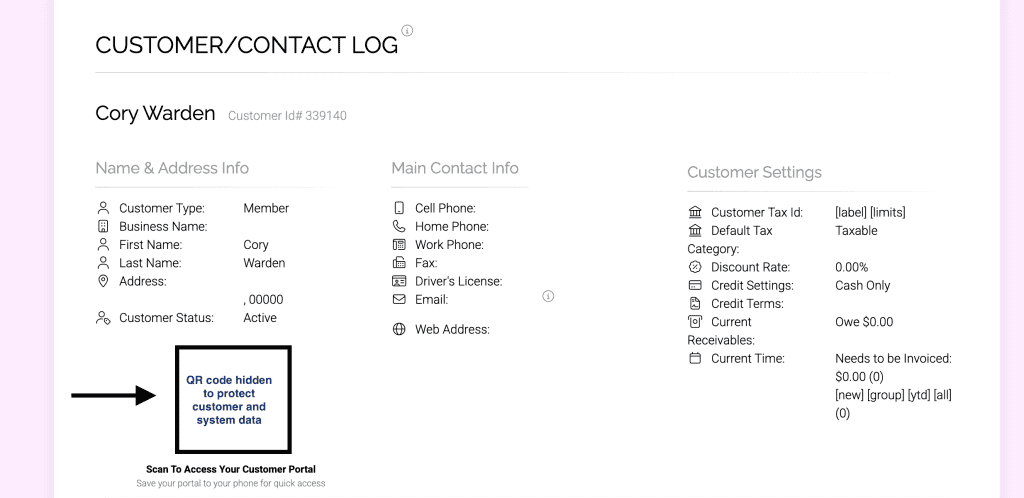
Businesses can now display a Customer Portal QR Code directly within the customer profile and customer log pages.
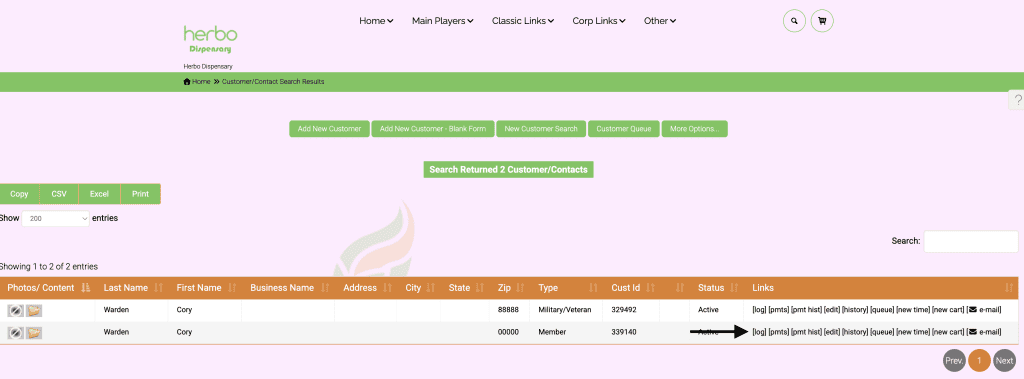
With a quick scan from a smartphone, customers can instantly access their personalized Customer Portal without needing to manually type web addresses or search for links.
Benefits
- Quick access to customer accounts
- View previous purchases and invoice history
- Review quotes and orders
- Access statements and account information
- View loyalty points and rewards balances
- Shop online through your e-commerce storefront
- Access future customer messaging and communication tools
- Convenient mobile access from anywhere
The QR code can be displayed directly from the customer record, making it easy for employees to help customers connect with your business in seconds.
Updated Customer Portal Invitation Email
We’ve also modernized the Customer Portal invitation email experience.
The previous “Icon App” email has been redesigned and rebranded as a Customer Portal invitation that better communicates the value of the platform.
Customers now receive a professional email explaining the benefits of their Customer Portal, including:
- Account access
- Purchase history
- Online ordering
- Statements and invoices
- Loyalty rewards
- Messaging and future communication features
The email also includes simple instructions for both iPhone and Android users to save the portal directly to their home screen for one-tap access.
Mobile Friendly Experience
iPhone
- Open the portal link in Safari
- Tap the Share button
- Click on More
- Select Add to Home Screen
- Tap Add
Android
- Open the portal link in Chrome
- Tap the three-dot menu
- Select Add to Home Screen or Install App
- Tap Add
Once saved, customers can launch their portal directly from their phone just like an app.
Looking Ahead
The Customer Portal continues to evolve into a central hub where customers can interact with your business. As additional features become available, customers will have access to even more tools including messaging, communications, online shopping, loyalty programs, statements, invoices, account management, and more.
These enhancements help businesses create stronger customer relationships while providing a modern, mobile-friendly experience that customers expect.
Stay tuned for additional Customer Portal improvements coming soon!
As always, please feel free to reach out to Technical Support at 720-740-3076 or email support@adilas.biz if you have any questions, concerns, or suggestions.