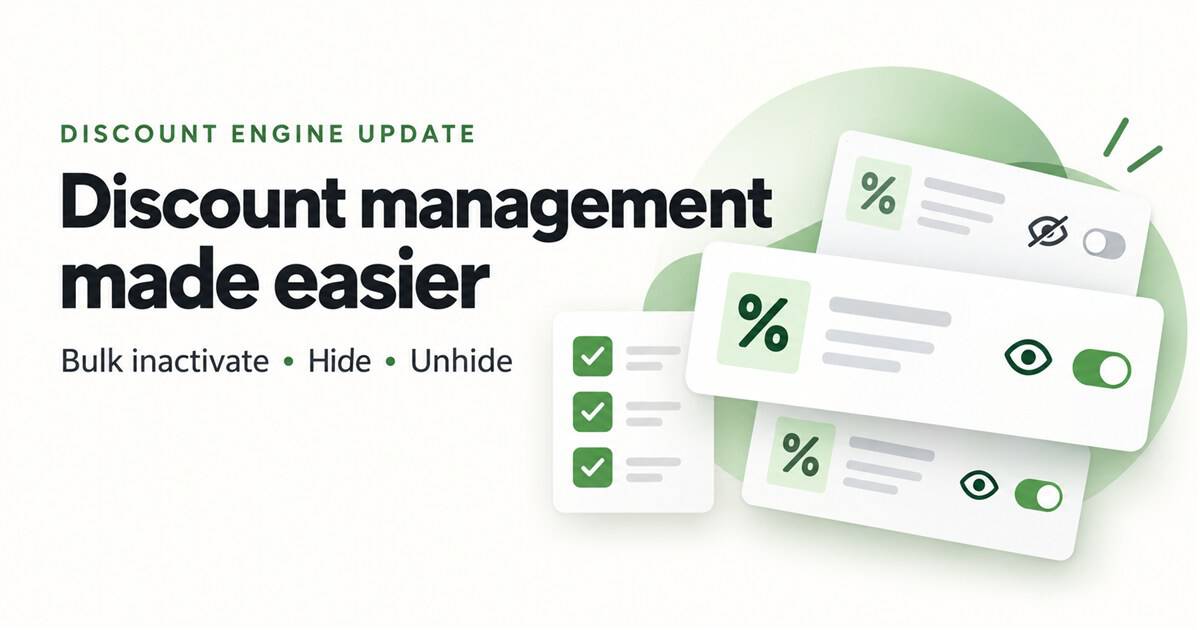

Type Improvement New Features Inactivate multiple discounts at once, hide old discounts from History, and unhide them when you need to see them again. Where Discount Engine — Active and History tabs. Who it is for Users who manage discounts and have access to the Discount Engine. What changed You can now select multiple discounts and update them together: Only … Read More
Create Marketing Banners for Your E-Commerce Platform in Adilas

Marketing banners are a great way to highlight specials your store may be running during various periods of time, such as holiday deals or daily specials. The marketing banner settings are found in the new Green Skin Theme E-comm settings. Please refer to news and update ‘New Online Delivery and Order Settings‘ to locate these settings. **Please note… there is … Read More
New Online Delivery and Order Settings
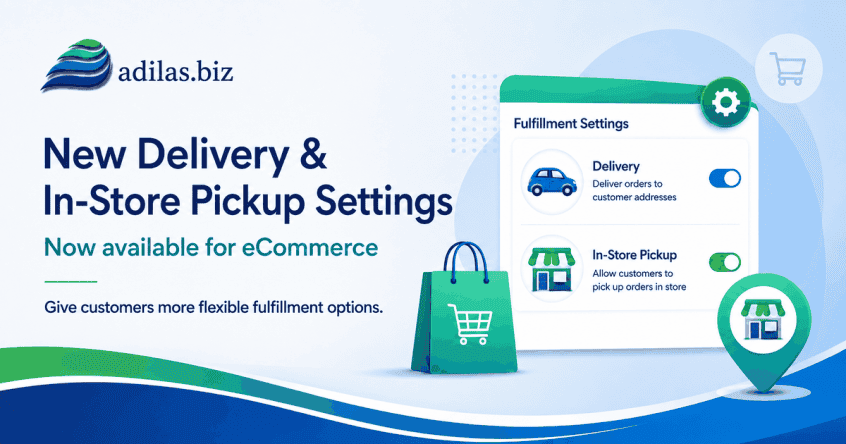
If you haven’t checked out our new Green Skin e-commerce theme, now’s the time! These settings allow for customizing your online store in many ways. See the previous news and update “Adilas E-Commerce Update – New Green Commerce Interface Launch” for more information. Once you have the Green Skin activated (please reach out to support for help with this), navigate … Read More
Adilas Messaging Center-Major New Release
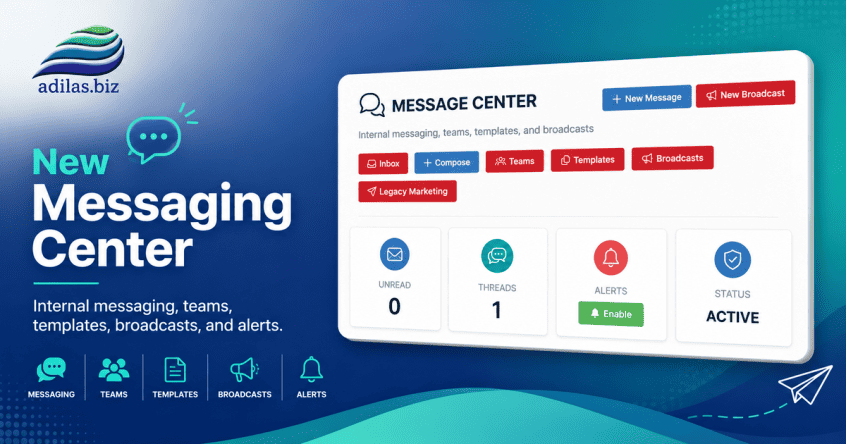
The new Adilas Messaging Center has been completely redesigned to provide a modern communication platform for employees, teams, and customers. The system now supports internal messaging, customer conversations, team collaboration, templates, broadcasts, search functionality, push notifications, and integrated customer communication history. The goal of this project was to move beyond simple customer logs and provide a centralized communication hub directly … Read More
New Quick Debit with Change Setting in Mini Scan Cart

For users who have an external debit or ATM payment solution, now there is a quick payment flow if you are using the mini scan cart. Please refer to prior news and updates for setting up the mini scan cart: “New Shopping Cart Now Available.” Once you have this shopping cart turned on you can access the settings. From the … Read More
New Settings for Threshold Engine…Get Inventory Alerts When Inventory Drops Below Limit from Sales Activity

Before you could receive email alerts from PO activity, specifically Internal Build PO’s created through the Build process. Now, when a sale happens, and your inventory drops below the threshold, you will receive emails alerting you to this. Please refer to the prior News and Updates “Improvements to the Threshold Engine and Report” and “Do You Want to Receive a … Read More
New Mini Scan Cart Feature…Top Ten Sales Page Setting

If you are using the mini scan cart there is a new feature you can activate that allows you to see the top ten items sold to a customer once you have added them to the shopping cart. **Please refer to the previous News and Update “New Features Available for Mini Scan Cart” for more information on this shopping cart … Read More
New e-Signature for Printer Friendly Invoice

Your customers can e-sign an invoice now with a new custom setting. To turn this feature on, go to your invoice homepage. Click on the question mark on the right side of the page. Click on the settings link, then click on printable invoice settings. Click on the tab for Printer Friendly Version. Then check the box for Electronic Signature. … Read More
New Bulk Transfer Function Now Available
If you need to transfer multiple inventory items from one location to another, this bulk tool is super helpful. Start a transfer shopping cart. Designate your from and to locations. Instead of adding items directly into the cart, navigate to the invoice homepage. Click on more options, and then bulk transfer items. You can choose a vendor or leave it … Read More
How to Apply Vendor Credits From Payables

Please read How To Use The New Special Account for Vendor Credit to Create a Manual Credit Entry and New Special Account Type… Vendor Credit in order to get these settings turned on properly and learn how to create the vendor credit. Once you have created vendor credits you can use them as payments directly on the expense receipt, as … Read More
New Special Account Type… Vendor Credit

We have added a new payment type called vendor credit. Once this is set up you can track money that is owed to you from vendors. This credit can then be used to pay expense receipts connected to PO’s or any expenses that you may have on account in adilas. Here is a ‘how to’ for activating this setting. The … Read More
Another Mini Scan Cart Setting-AI Image Generator

The AI Image Generator allows you to create images by adding a simple word or several words to the field and voila-your image! This AI image generator is located in the mini scan cart settings. To see how to access those, please refer to ‘New Features Available for Mini Scan Cart.’ Here is what the page looks like. Scroll down … Read More