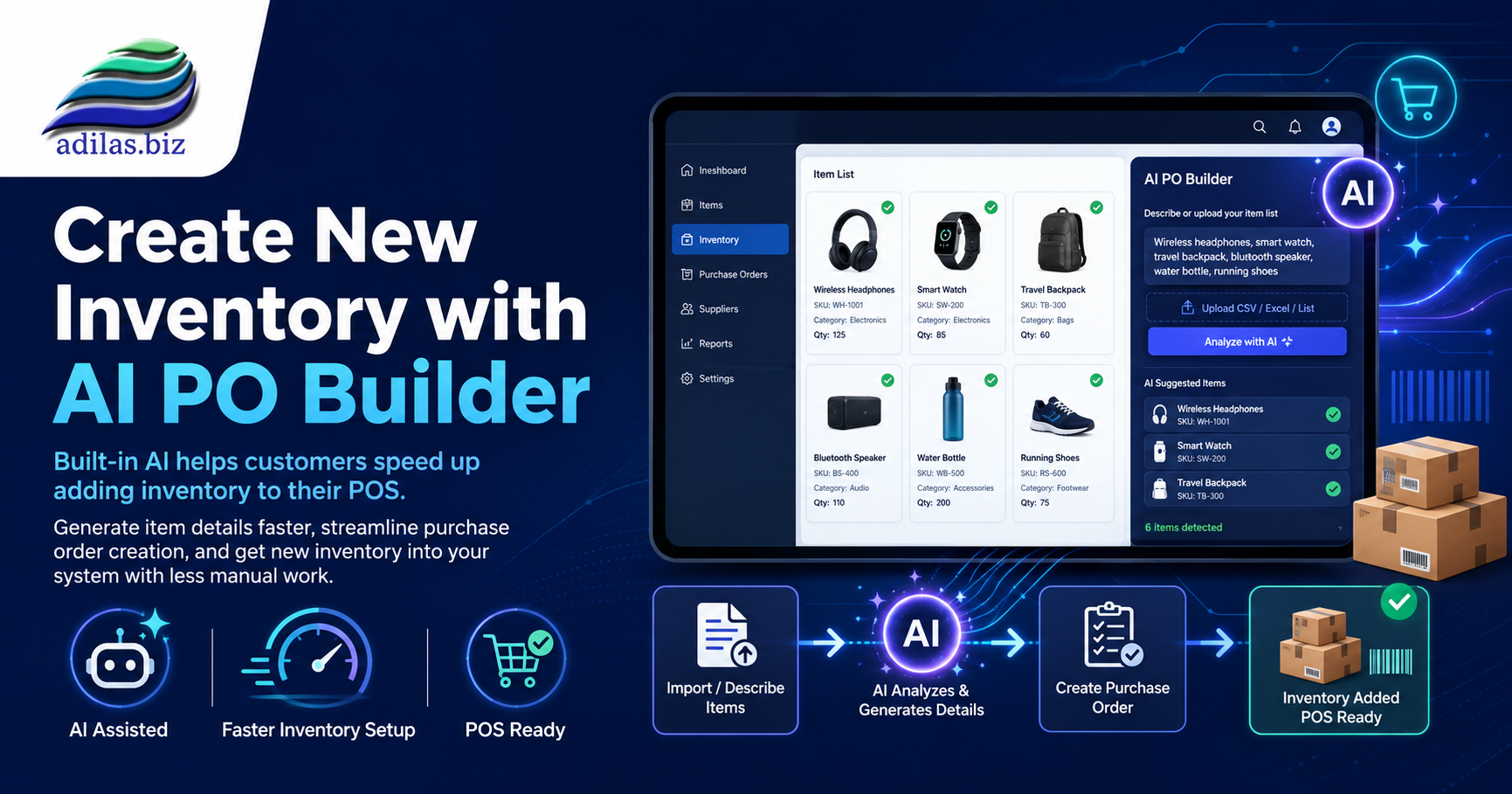

When you receive an invoice for new inventory, you can scan it into the AI PO Builder and have it analyze the invoice.
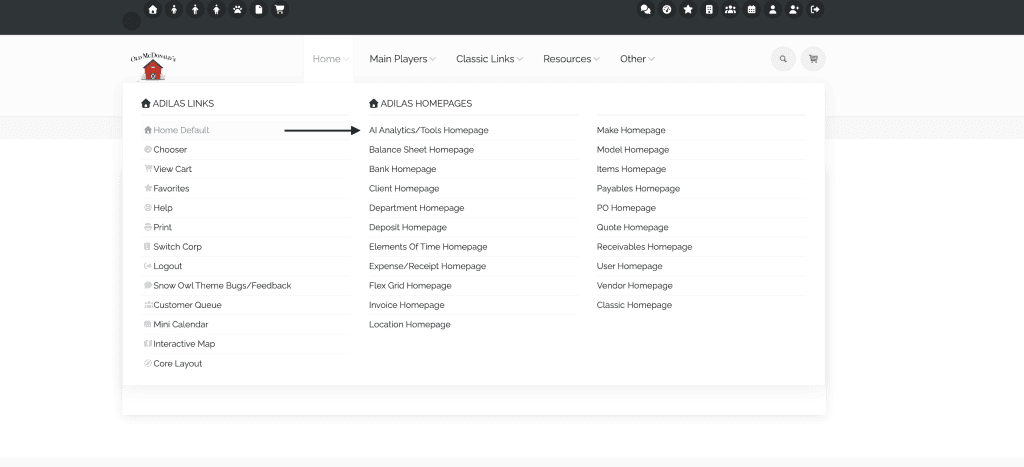
Hover on home at the top of any page. Go to AI Analytics/Tools Homepage.
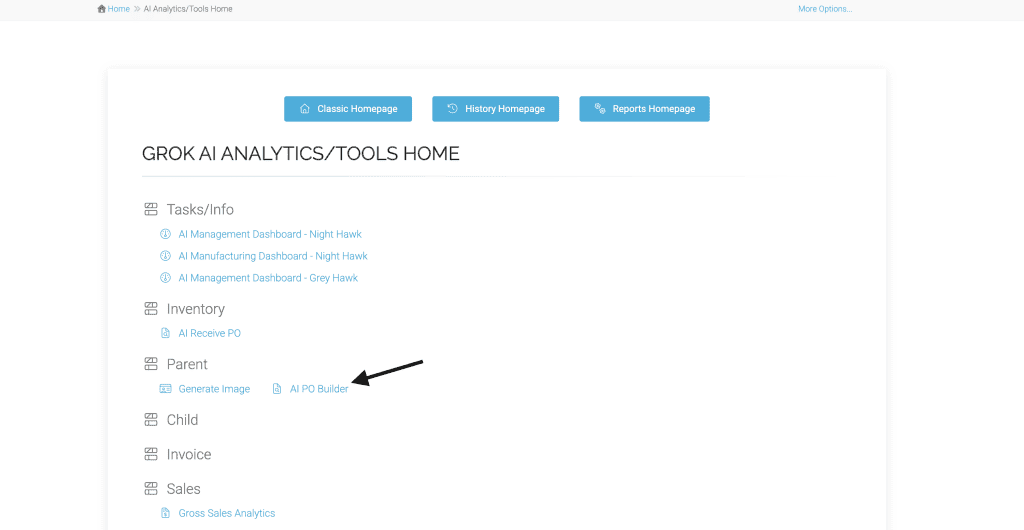
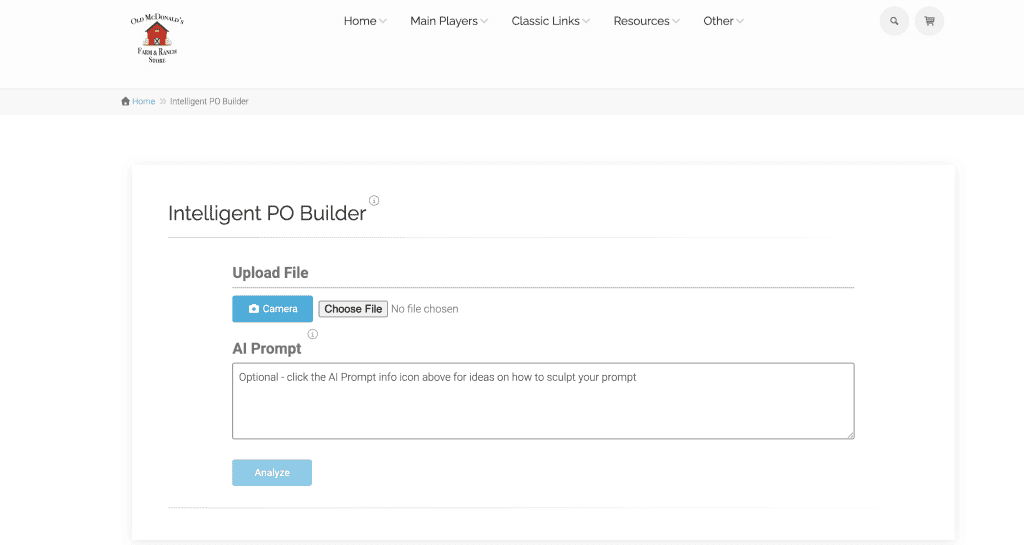
Click on AI PO Builder link.
Choose file from your desktop, or you can take a picture right from your phone if working on a phone. Upload the file and click analyze. The prompt will analyze your invoice and try to match the items it finds with items in your system.
Pro tip: Add a specific prompt to get a better outcome. For help with inventory specific prompts, please reach out to customer support at 720-740-3076 to schedule a training.
This AI PO Builder can be used to bring in actual parent inventory (quantity) or just to create new parent items (zero quantity). You can also set it up to add new parent items to an existing PO should you be using a dedicated PO for all new parent items.
As always, please feel free to reach out to Technical Support at 720-740-3076 or email support@adilas.biz if you have any questions, concerns, or suggestions.