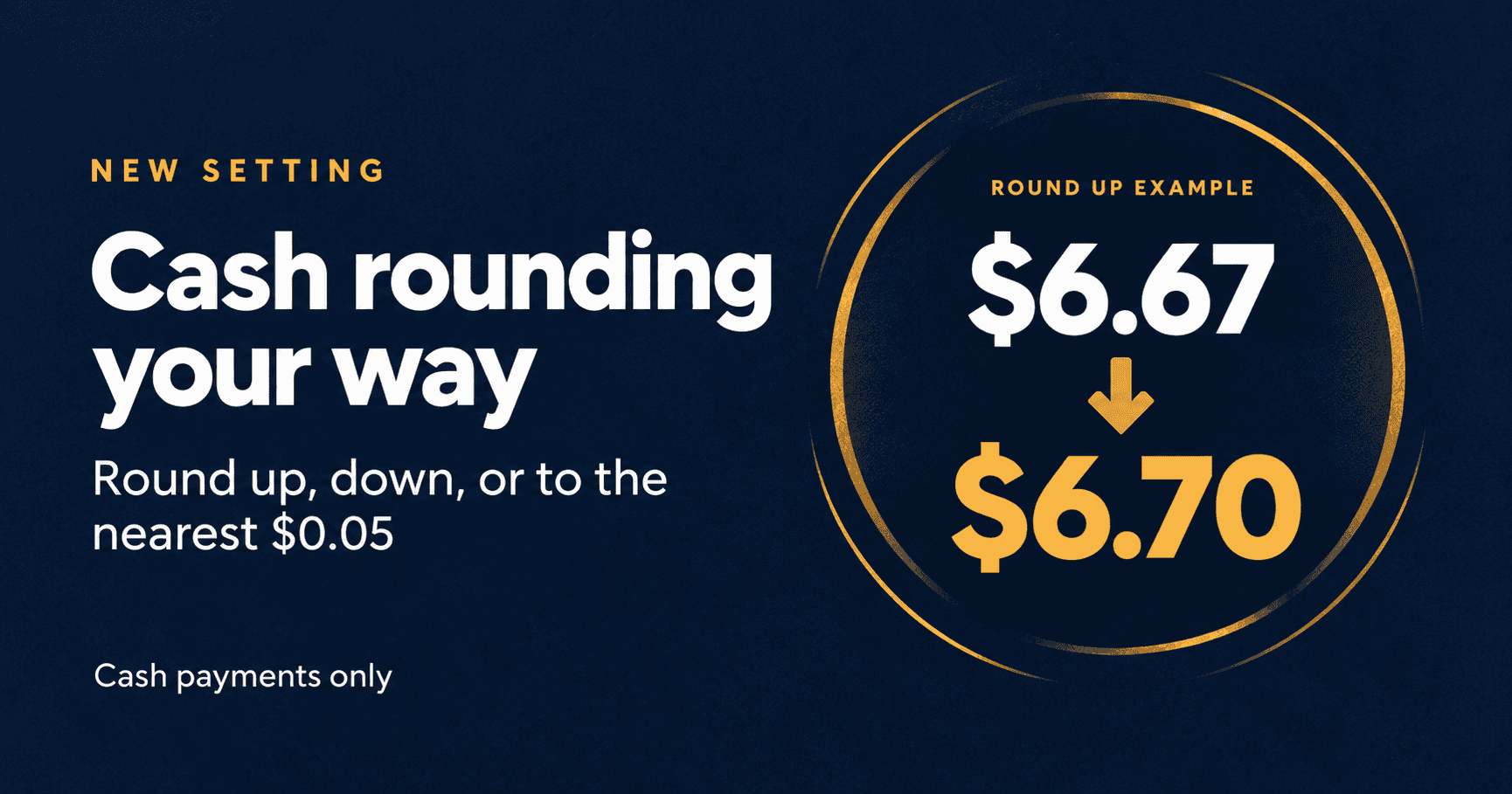

Type New setting New Feature Choose how the final cash balance rounds to $0.05 at checkout. Round up, round down, or use the nearest nickel while keeping card payments exact. Where Corporation settings and defaults > Invoice Rounding > Cash-only rounding to $0.05. Who it is for Businesses that accept cash payments who don’t want to deal with pennies. What … Read More
Clean Up Your Discount Engine With New Bulk Actions
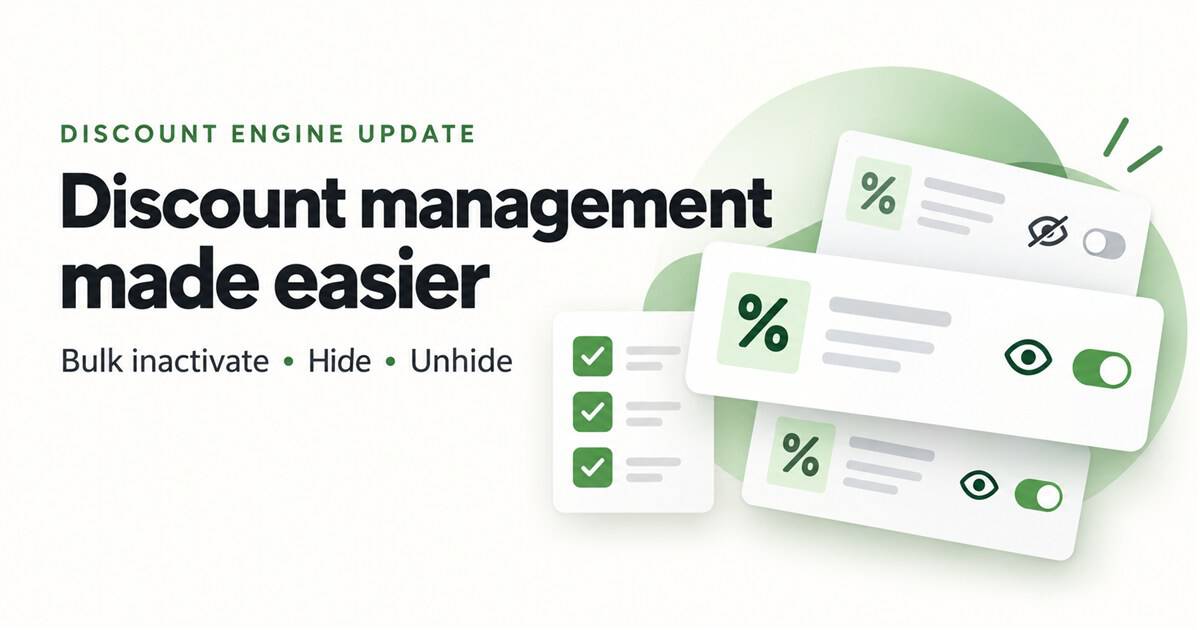
Type Improvement New Features Inactivate multiple discounts at once, hide old discounts from History, and unhide them when you need to see them again. Where Discount Engine — Active and History tabs. Who it is for Users who manage discounts and have access to the Discount Engine. What changed You can now select multiple discounts and update them together: Only … Read More
Create New Inventory with AI PO Builder
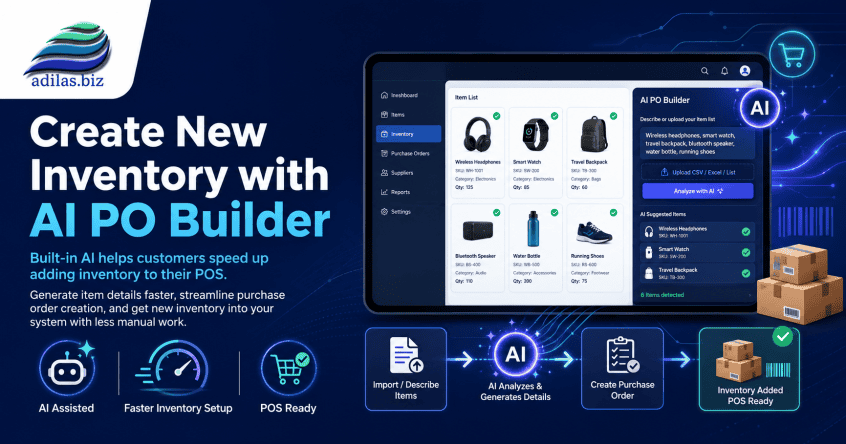
When you receive an invoice for new inventory, you can scan it into the AI PO Builder and have it analyze the invoice. Hover on home at the top of any page. Go to AI Analytics/Tools Homepage. Click on AI PO Builder link. Choose file from your desktop, or you can take a picture right from your phone if working … Read More
Create Marketing Banners for Your E-Commerce Platform in Adilas

Marketing banners are a great way to highlight specials your store may be running during various periods of time, such as holiday deals or daily specials. The marketing banner settings are found in the new Green Skin Theme E-comm settings. Please refer to news and update ‘New Online Delivery and Order Settings‘ to locate these settings. **Please note… there is … Read More
New Online Delivery and Order Settings
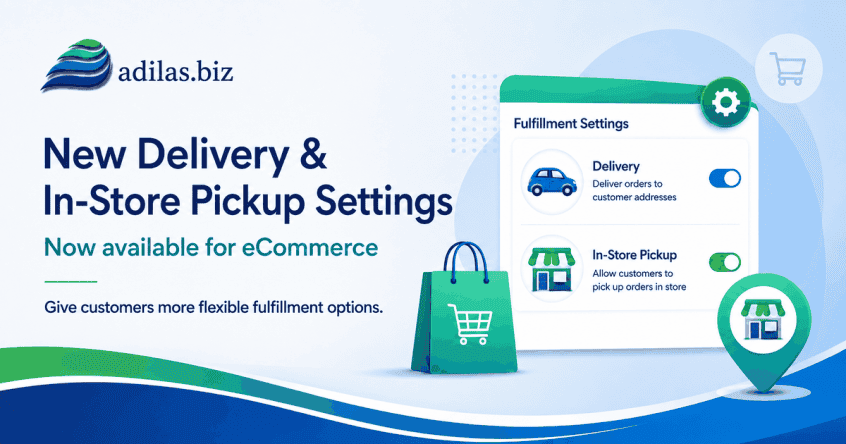
If you haven’t checked out our new Green Skin e-commerce theme, now’s the time! These settings allow for customizing your online store in many ways. See the previous news and update “Adilas E-Commerce Update – New Green Commerce Interface Launch” for more information. Once you have the Green Skin activated (please reach out to support for help with this), navigate … Read More
Adilas Messaging Center-Major New Release
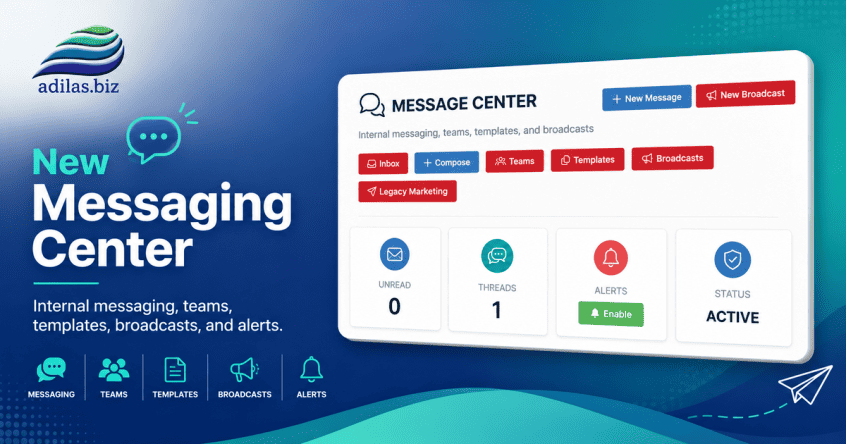
The new Adilas Messaging Center has been completely redesigned to provide a modern communication platform for employees, teams, and customers. The system now supports internal messaging, customer conversations, team collaboration, templates, broadcasts, search functionality, push notifications, and integrated customer communication history. The goal of this project was to move beyond simple customer logs and provide a centralized communication hub directly … Read More
Automatically Add a Credit Card Fee to Invoices Paid Online
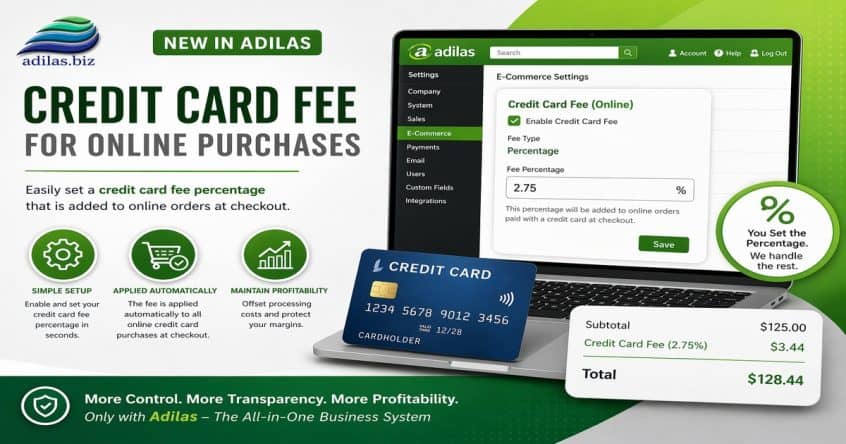
If you accept online payments from your customers, you can now automatically add a fee to their invoice. From the e-commerce settings, scroll down to section 1.30 under Ecommerce options. Click on the ‘settings’ link next to Flow Options. Click on the section for credit card fees. Check the box to enable the setting, choose your percentage amount, and keep … Read More
New AI Analytics and Tools Homepage

Adilas continues to build and connect with AI in order to remain relevant in today’s world of technology. If there is a report you would like to see on this page, reach out to us and we can customize the AI request to your needs (custom development fees required). To access the new home page, hover on home at the … Read More
Updates to Add/Edit My Cart Favorites

We have updated the look and feel on this page. When you go to add or edit link, you will see the choices for simple, photo or group buttons. Click on the ‘i’ next to ‘button style’ for more information on how the new buttons work. If you choose simple or photo buttons, you will have access to the basic … Read More
Bulk Add Parent Items to a Purchase Order

Now you can add multiple lines to a Basic Live PO and Basic Request PO at one time. This only adds the parent, and you will still need to add the sub inventory if needed. Start a PO as usual. You can click on the link to ‘bulk add lines’ in two places. When you click on the link, all … Read More
New Quick Debit with Change Setting in Mini Scan Cart
For users who have an external debit or ATM payment solution, now there is a quick payment flow if you are using the mini scan cart. Please refer to prior news and updates for setting up the mini scan cart: “New Shopping Cart Now Available.” Once you have this shopping cart turned on you can access the settings. From the … Read More
New Settings for Threshold Engine…Get Inventory Alerts When Inventory Drops Below Limit from Sales Activity

Before you could receive email alerts from PO activity, specifically Internal Build PO’s created through the Build process. Now, when a sale happens, and your inventory drops below the threshold, you will receive emails alerting you to this. Please refer to the prior News and Updates “Improvements to the Threshold Engine and Report” and “Do You Want to Receive a … Read More