


We have updated the look and feel on this page. When you go to add or edit link, you will see the choices for simple, photo or group buttons.
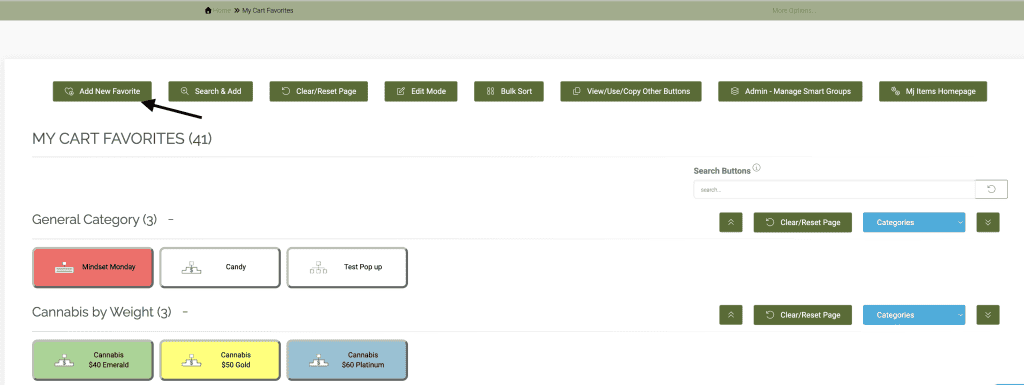
Click on the ‘i’ next to ‘button style’ for more information on how the new buttons work.
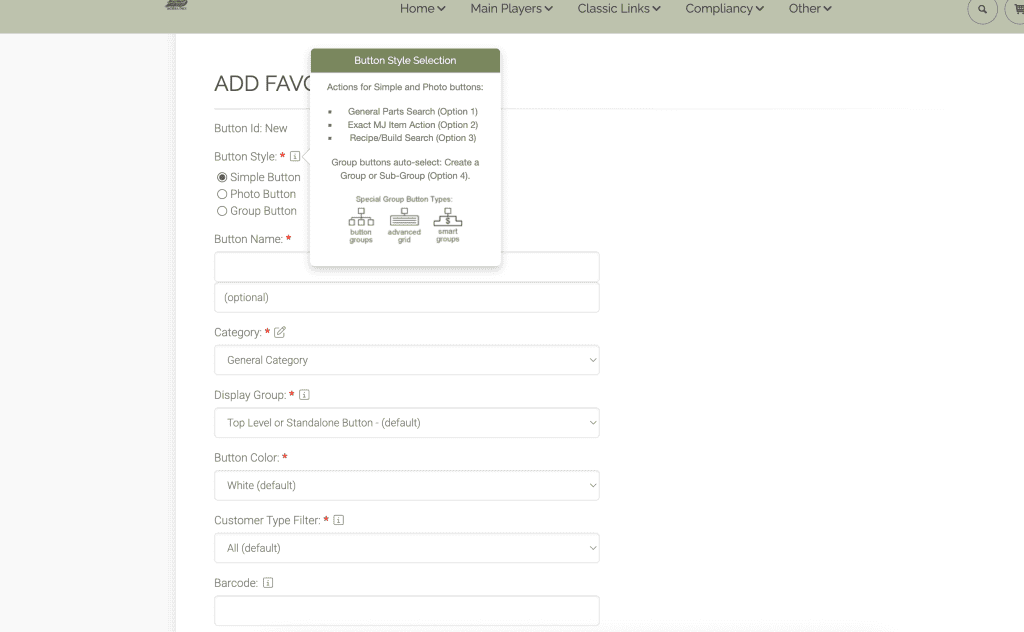
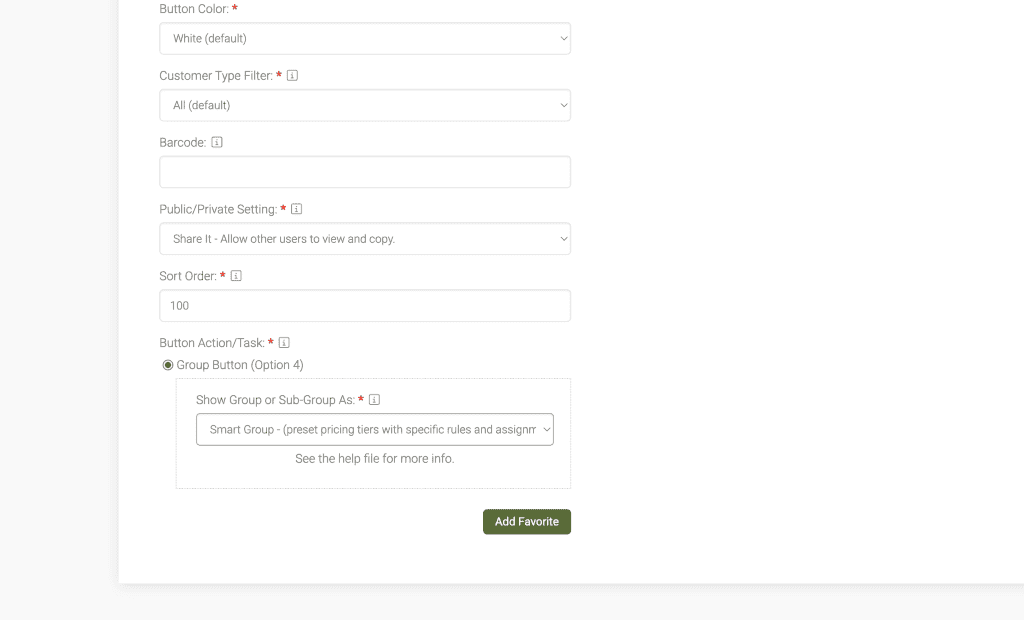
If you choose simple or photo buttons, you will have access to the basic fields you see above. You will also have access to options #1-3, but not option #4.
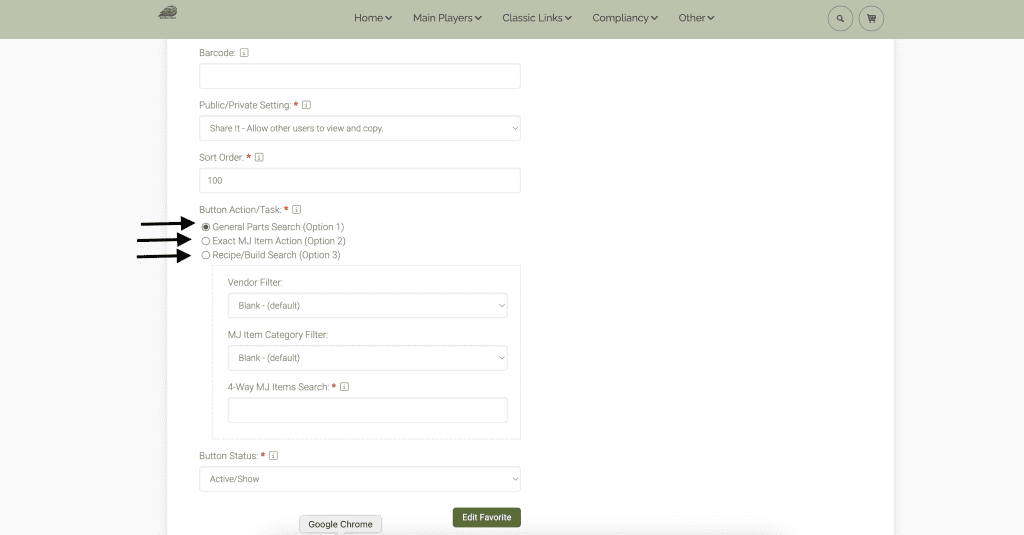
Once you choose an option, different fields will pop up or disappear, as seen below.
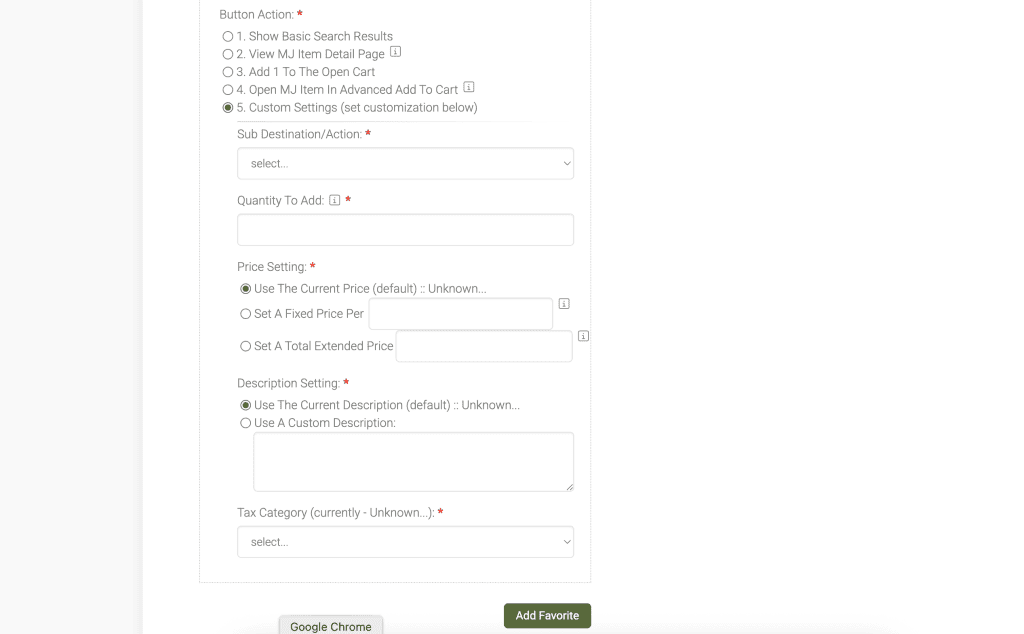
If you choose the group button, the other option buttons #1-3 will disappear and you will have access to option #4 only. Then choose your group button option and click add.
As always, please feel free to reach out to Technical Support at 720-740-3076 or email support@adilas.biz if you have any questions, concerns, or suggestions.