

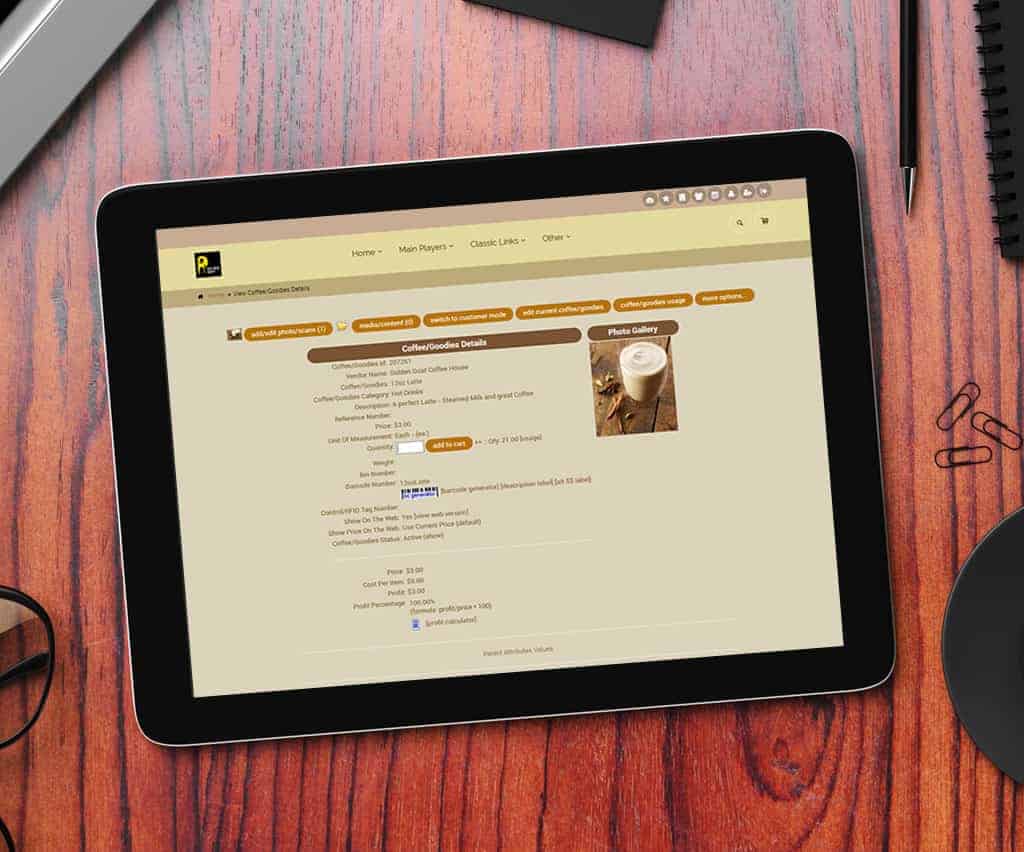
Barcode Logic – Scan the Parent Sell the open Child If multi subs are open, select or configure as needed
Choose Your Shopping Cart
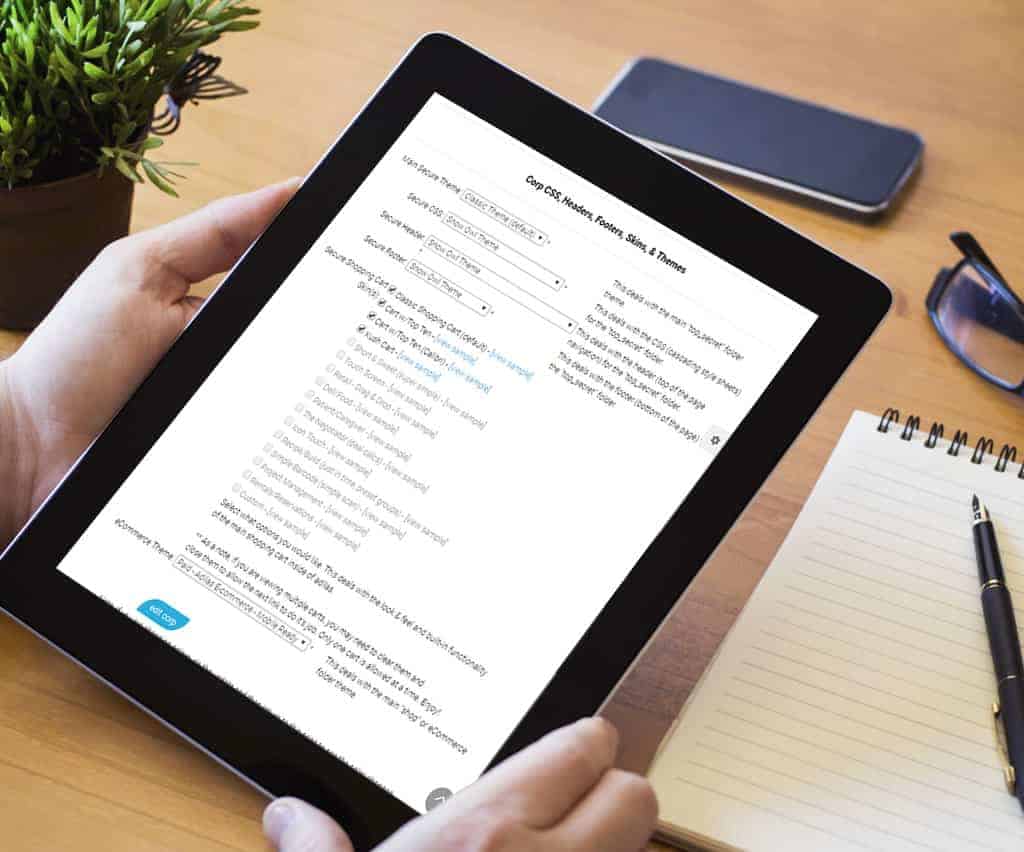
Choose Your Shopping Cart 🙂 From the Manage Corp Info Page Select “Look and Feel” Then you can select the Shopping Carts that you wish to enable. Then under “My Settings”, each person can select their own cart.
Flash or HTML Buttons
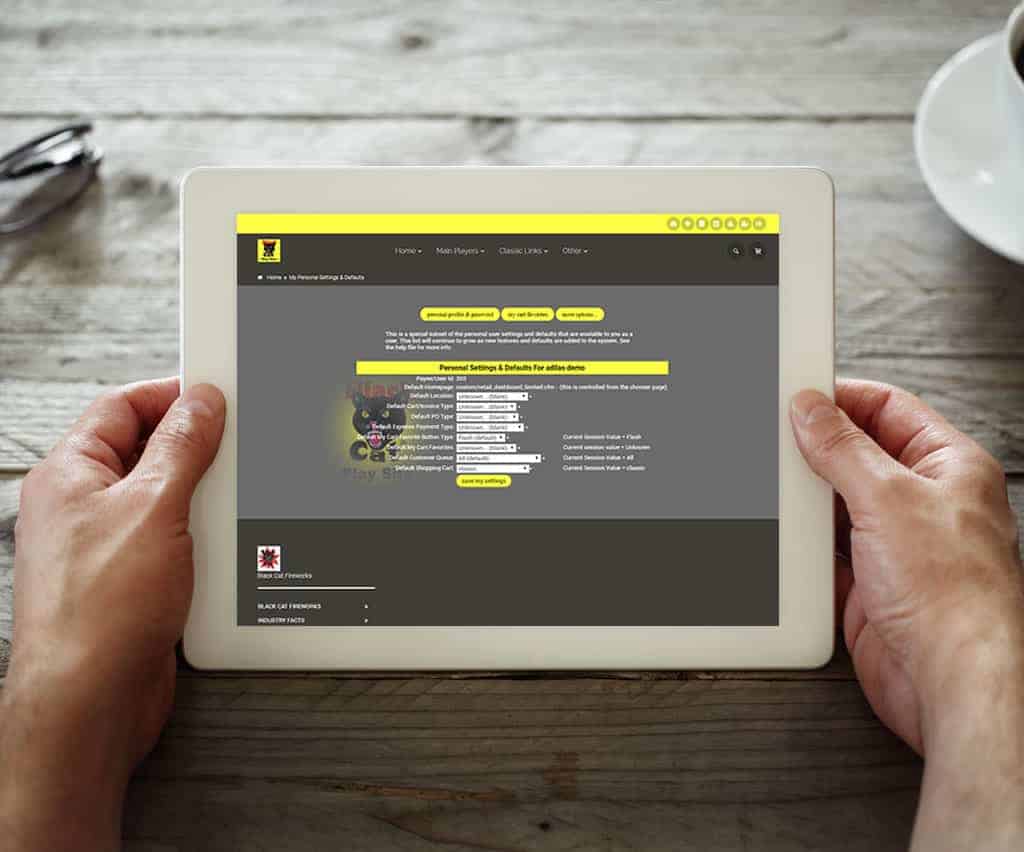
Choose either Flash or HTML Buttons. Flash Buttons From the Classic Homepage Under System Basics, select “Password & Profile” Click on the “My Settings & Defaults” Button Choose either button style Flash or HTML – Great for IPad or IPhone HTML Buttons Allowed by Apple devices Loads faster than Flash 8 Colors available Choose your photo Touch screen ready
Smart Group Item Quantities

Sum up Smart Group item quantities. Smart Buttons now work two different ways… 1 – Sum up quantity per item according to rules Or 2 – One click to figure prices based on the sum of the quantities Give it a try on the play site 🙂 Corporation Key: testing Username: Guest Password: 1234 How to get there… Classic Homepage … Read More