
Type
New setting
New Feature
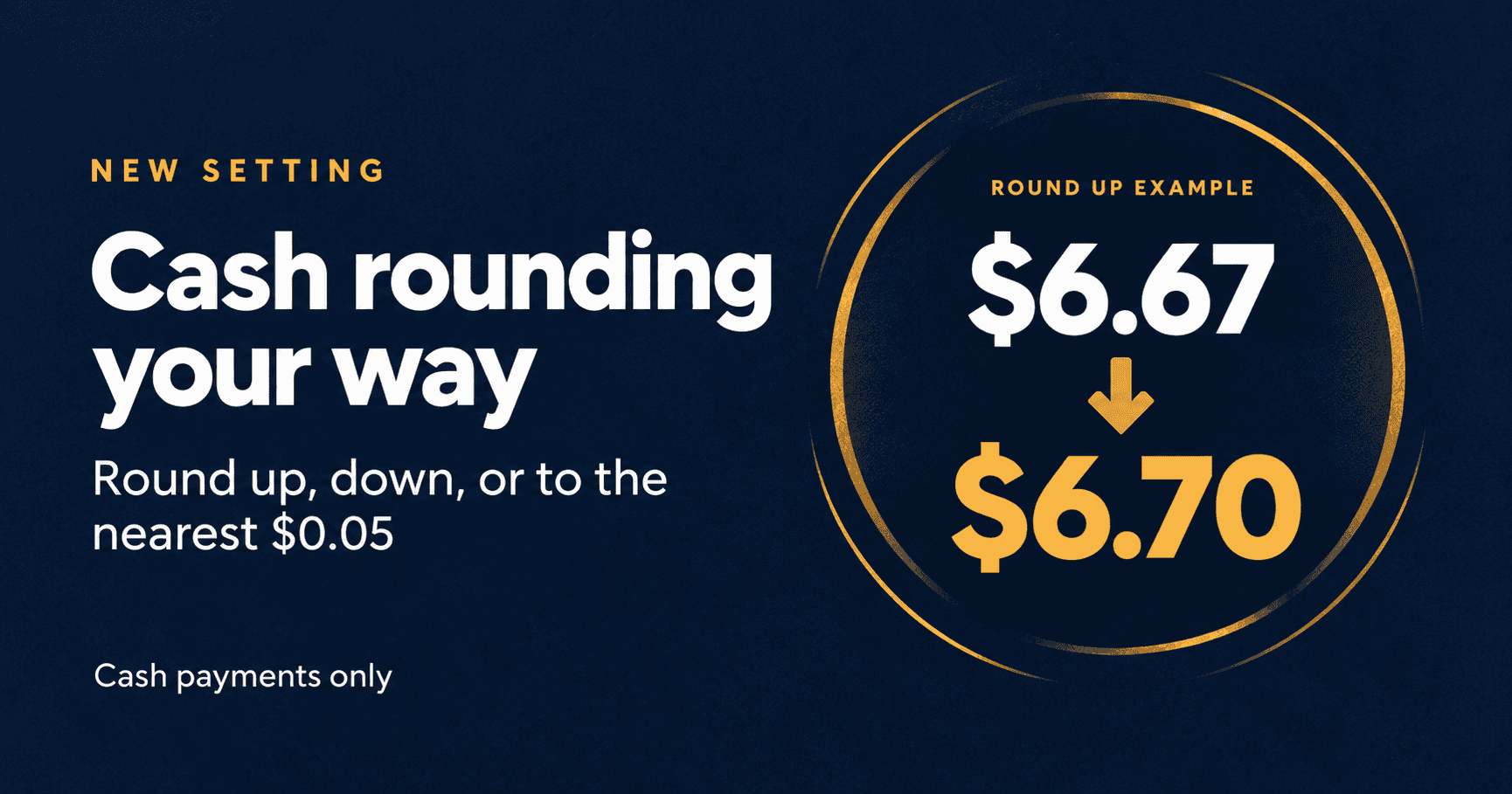
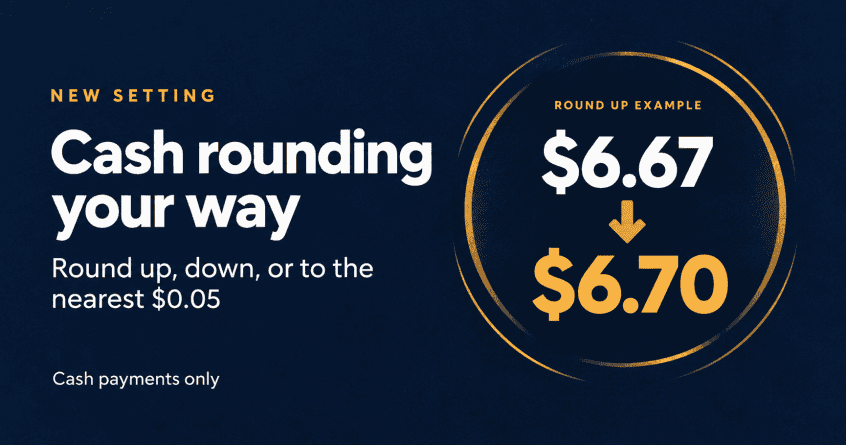
Choose how the final cash balance rounds to $0.05 at checkout. Round up, round down, or use the nearest nickel while keeping card payments exact.
Where
Corporation settings and defaults > Invoice Rounding > Cash-only rounding to $0.05.
Who it is for
Businesses that accept cash payments who don’t want to deal with pennies.
What changed
A new cash-only rounding setting gives you three choices:
- Up to the next nickel: A $6.67 cash balance becomes $6.70.
- Down to the previous nickel: A $6.67 cash balance becomes $6.65.
- Nearest nickel: A $6.67 cash balance becomes $6.65; $6.68 becomes $6.70.
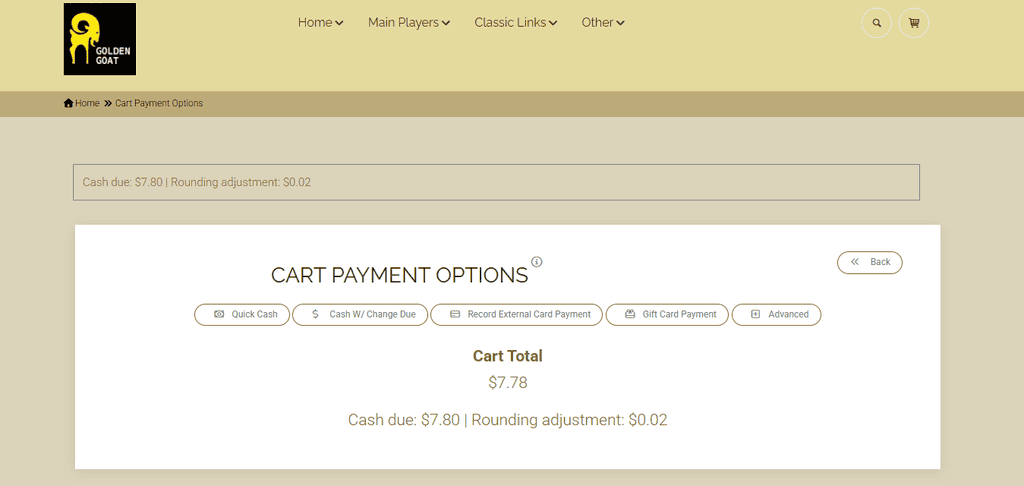
Rounding applies when cash pays the final balance, including the cash remainder of a split payment. Amounts already ending in $0.05 increments stay the same. Cards stay exact, and existing invoices, refunds, and deposits retain their original amounts.
Why it matters
Five-cent rounding makes cash checkout easier when you want to avoid pennies. The rounding adjustment is recorded as a separate line item. Final rounding appears at cash payment checkout, so the shopping cart total can still show its original cents.
How to use it
- Open corporation settings and defaults and find Invoice Rounding.
- Uncheck Enable Whole Dollar Invoice Rounding. The Decimal Break Point belongs to whole-dollar rounding; it does not control the five-cent cash setting.
- Under Cash-only rounding to $0.05, choose Up to the next nickel, Down to the previous nickel, or Nearest nickel. Save your settings.
- At checkout, select Cash and review the rounded balance and adjustment. With rounding set to Up, a $6.67 balance becomes $6.70; collecting $10.00 leaves $3.30 in change.
Is it on
Off by default. An authorized user must select a cash rounding option and save the corporation settings. Choose Off to stop using five-cent cash rounding.
Availability
This feature released Tuesday, September 29, 2026
Action required
No change is required unless you want to use cash rounding. Before using it, confirm that your corporation’s system Fee item is active (found on the corp-wide settings page) and try a cash checkout with your selected option.
As always, please feel free to reach out to Technical Support at 720-740-3076 or email support@adilas.biz if you have any questions, concerns, or suggestions.